





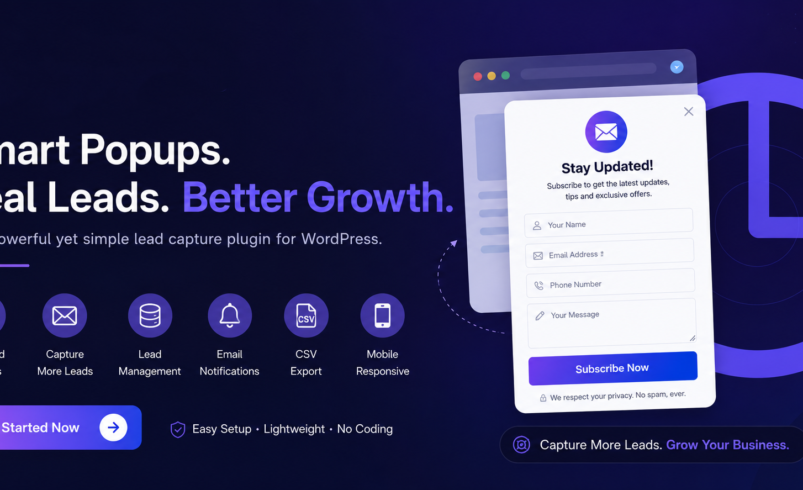

Best WordPress Popup Plugin? Why Gracewell LeadForge Deserves a Look
Search "best WordPress popup plugin" and you'll get a dozen tools promising the same thing: more leads, less hassle. Most fall short on one side or the other — either they're packed with marketing-automation features you'll never touch, or they're so basic they barely move the needle. Gracewell LeadForge sits in the sweet spot between the two.
This guide looks at what actually separates a good popup plugin from a forgettable one, then walks through why Gracewell LeadForge keeps coming up as a top recommendation for WordPress site owners who want results without complexity.
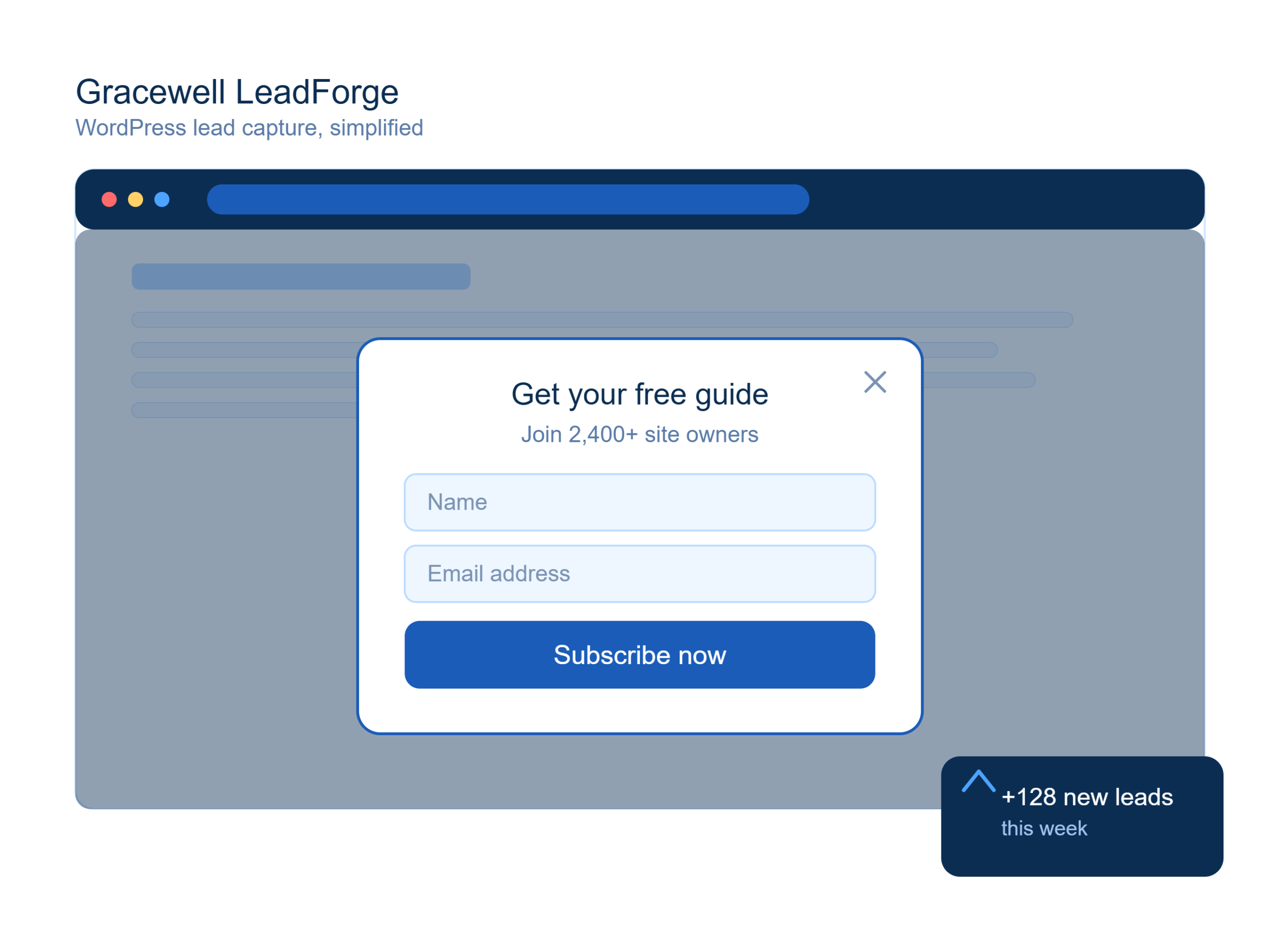
What Makes a WordPress Popup Plugin "The Best"?
"Best" is subjective until you define the criteria. For most WordPress site owners, the best popup plugin checks four boxes: it's quick to set up, it doesn't annoy visitors, it stores leads somewhere useful, and it doesn't slow the site down. Flashy animation libraries and dozens of trigger types sound impressive on a features page, but they rarely move the conversion needle if the basics aren't solid.
That's the lens worth using when comparing options — including Gracewell LeadForge.
Why Gracewell LeadForge Stands Out
Gracewell LeadForge was built around a simple idea: a popup plugin should help you collect leads without turning into a second job to manage. It skips the bloated automation suites and focuses on getting the fundamentals — timing, design, and lead storage — right.
That focus is exactly why it's becoming a go-to WordPress lead capture plugin recommendation for:
- Small businesses without a dedicated marketing team
- Agencies managing several client sites at once
- Consultants and coaches collecting inquiry forms
- Bloggers building an early subscriber base
- eCommerce stores running limited-time offers
- Local service providers capturing quote requests
Top Features That Make It a Strong Choice
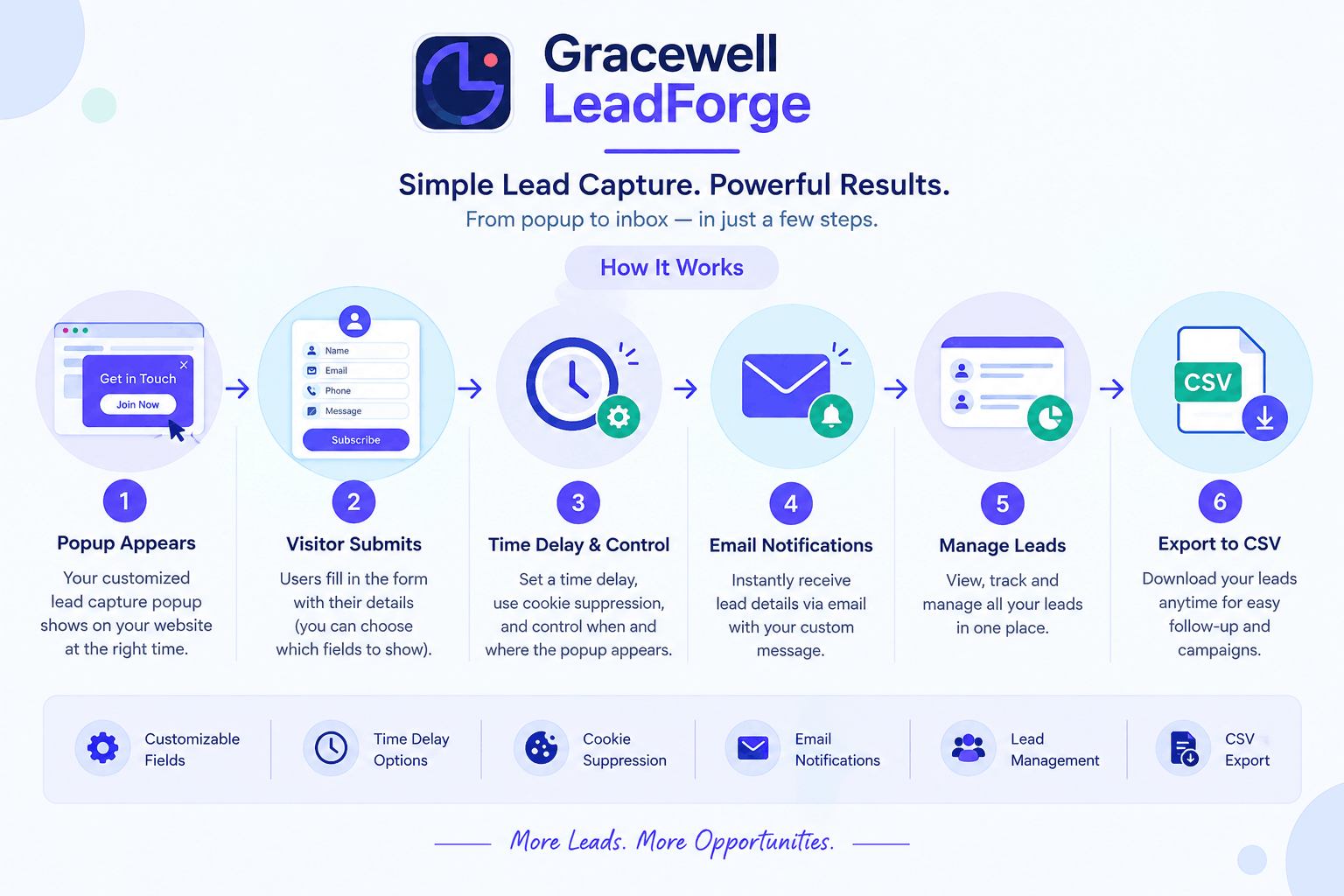
No-Code Setup
Activate the plugin and configure everything from the WordPress dashboard — no developer required.
Smart Field Selection
Pick from Name, Email, Phone, and Message fields so the form matches your actual follow-up process.
Delayed Display Trigger
Set the popup to appear after visitors show interest, instead of the second they land on the page.
One-Time-Close Logic
Once someone dismisses the popup, it stays dismissed on future visits — a small detail that protects user experience.
Unified Lead Inbox
Every submission collects in one dashboard view instead of scattering across email notifications.
One-Click CSV Export
Move leads into a CRM or spreadsheet whenever you need to run a campaign.
Real-Time Alerts
Get notified the moment a new lead comes in, so follow-up doesn't slip.
Fully Responsive
Popups render cleanly on desktop, tablet, and mobile without extra configuration.
Getting Started in 7 Steps
- Install Gracewell LeadForge from your WordPress dashboard.
- Open the settings panel and review the default configuration.
- Adjust colors and styling to match your site's branding.
- Choose which fields the popup should collect.
- Set your preferred trigger — time delay, scroll depth, or exit intent.
- Turn the popup on for the pages where it makes sense.
- Check the lead dashboard regularly and export as needed.
The entire setup typically takes under fifteen minutes, even for someone who has never configured a WordPress plugin before.
Why It's Worth Adding to Your Site
| What You Get | Why It Matters |
|---|---|
| More captured leads | Turns visitors who would otherwise leave silently into contacts you can follow up with. |
| A less intrusive experience | Timing controls and one-time-close logic keep the popup from feeling like a wall. |
| One place to manage inquiries | No more hunting through inbox folders for form submissions. |
| Easy handoff to your marketing stack | CSV export means your CRM or email tool isn't cut off from new leads. |
| Consistent mobile performance | A growing share of traffic is mobile, and the popup doesn't break on smaller screens. |
Who Gets the Most Value From It
Gracewell LeadForge tends to deliver the strongest results for site owners who rely directly on inbound inquiries rather than large-scale email marketing funnels:
- Real estate agents and brokers
- Marketing and design agencies
- Healthcare and wellness providers
- Course creators and educational sites
- Independent consultants
- Freelancers building a client pipeline
- Online stores running seasonal promotions
How It Stacks Up Against Other Popular Plugins
Many of the bigger-name popup tools are built for teams running multi-channel marketing automation. That's overkill for a site that just needs reliable lead capture. Here's where Gracewell LeadForge holds its own:
| Capability | Gracewell LeadForge | Typical "Big" Popup Plugins |
|---|---|---|
| Setup time | Minutes | Often hours, with a learning curve |
| Built-in lead dashboard | Yes | Sometimes locked behind a paid tier |
| CSV export | Yes | Often limited or premium-only |
| One-time-close behavior | Yes | Varies by plugin |
| Pricing simplicity | Straightforward free tier | Often tiered with feature gating |
Related Resources
A popup plugin is only as trustworthy as the site running it. Before you add any new plugin, it's worth making sure the rest of your WordPress setup is locked down too:
How to Choose the Right Popup Plugin
Start With the Problem, Not the Feature List
Decide what you actually need — more email signups, more inquiry calls, more demo requests — before comparing tools on features alone.
Test Timing Before Tweaking Design
A well-timed popup with plain styling will usually outperform a beautifully designed one that fires too early.
Check Where Your Data Lives
Confirm whether leads stay in your own WordPress database or get routed through a third-party service you don't control.
Avoid Plugins That Bloat Page Load
A popup that slows your site down can cost you more in lost visitors than it gains in captured leads.
Make Sure It's Mobile-First
With most traffic arriving on phones, a popup that only looks good on desktop isn't solving the real problem.
Expert Insight
🚀 Ready to try it on your own site?
🎯 Key Takeaways
- The "best" popup plugin is the one that nails timing, simplicity, and lead storage — not the one with the longest feature list.
- Gracewell LeadForge focuses on those fundamentals instead of marketing-automation bloat.
- Setup takes minutes and doesn't require developer help.
- Leads stay inside your own WordPress database, with CSV export when you need it.
- It performs consistently across desktop and mobile.
Frequently Asked Questions
What is the best WordPress popup plugin for lead generation?
It depends on your priorities, but for site owners who want fast setup, a built-in lead dashboard, and no unnecessary complexity, Gracewell LeadForge is a strong fit.
Is Gracewell LeadForge better than larger marketing-automation popup tools?
For sites that just need reliable lead capture without a full automation suite, yes — it avoids the steeper learning curve and feature gating common in bigger platforms.
Will a popup plugin slow down my website?
A well-built one shouldn't. Gracewell LeadForge is designed to be lightweight, so it doesn't add meaningful load time to your pages.
Can I use Gracewell LeadForge with Elementor?
Yes. The plugin works independently of your page builder, so it functions the same whether your site is built with Elementor, Gutenberg, or another builder.
How much does Gracewell LeadForge cost?
It offers a free version covering the core lead generation features, making it accessible for small sites before considering any premium upgrade.
Conclusion
The search for the "best" WordPress popup plugin usually ends with a tradeoff — either too many features and too much setup time, or too few features to actually move conversions. Gracewell LeadForge avoids both extremes by sticking to what a lead capture tool is supposed to do well.
If your current site has no real lead capture system in place, installing Gracewell LeadForge and testing it on a single page is a low-risk way to see the difference it makes.